
Case study · Retail
Store stock orders in one place. Not in group chats and spreadsheets.
A Canadian phone-case retailer now gets every store's stock order in one app, picked from a catalog of 85 phone models and 23 cover types. The app went live 3 days after the first build.
1,381
Phone-and-cover pairs stores pick from, instead of typing
1 tap
To re-order only the units that didn't arrive
3 days
From first build to live
Client
A Canadian phone-case retailer with several store locations. One buyer at head office buys stock for every store.
Problem
Stores sent their stock orders as chat messages, and the buyer kept track in spreadsheets.
A phone-case order is hard to write in a chat. Each line needs the phone model, the cover type, the colour and a quantity. The catalog has 85 models, 23 cover types and 1,381 model-and-cover pairs. Not every cover comes in every colour, and not every cover fits every phone.
- Orders were easy to get wrong. A typed message can name a cover that doesn't exist for that phone, or a colour that isn't made.
- Orders were scattered. Each store's request sat in a different chat, so the buyer had to piece the full list together by hand.
- Stores couldn't see progress. A store had no way to know what had been bought and what was still missing, short of asking.
- Re-ordering meant starting again. Anything out of stock had to be typed out again in a new message.
What we built
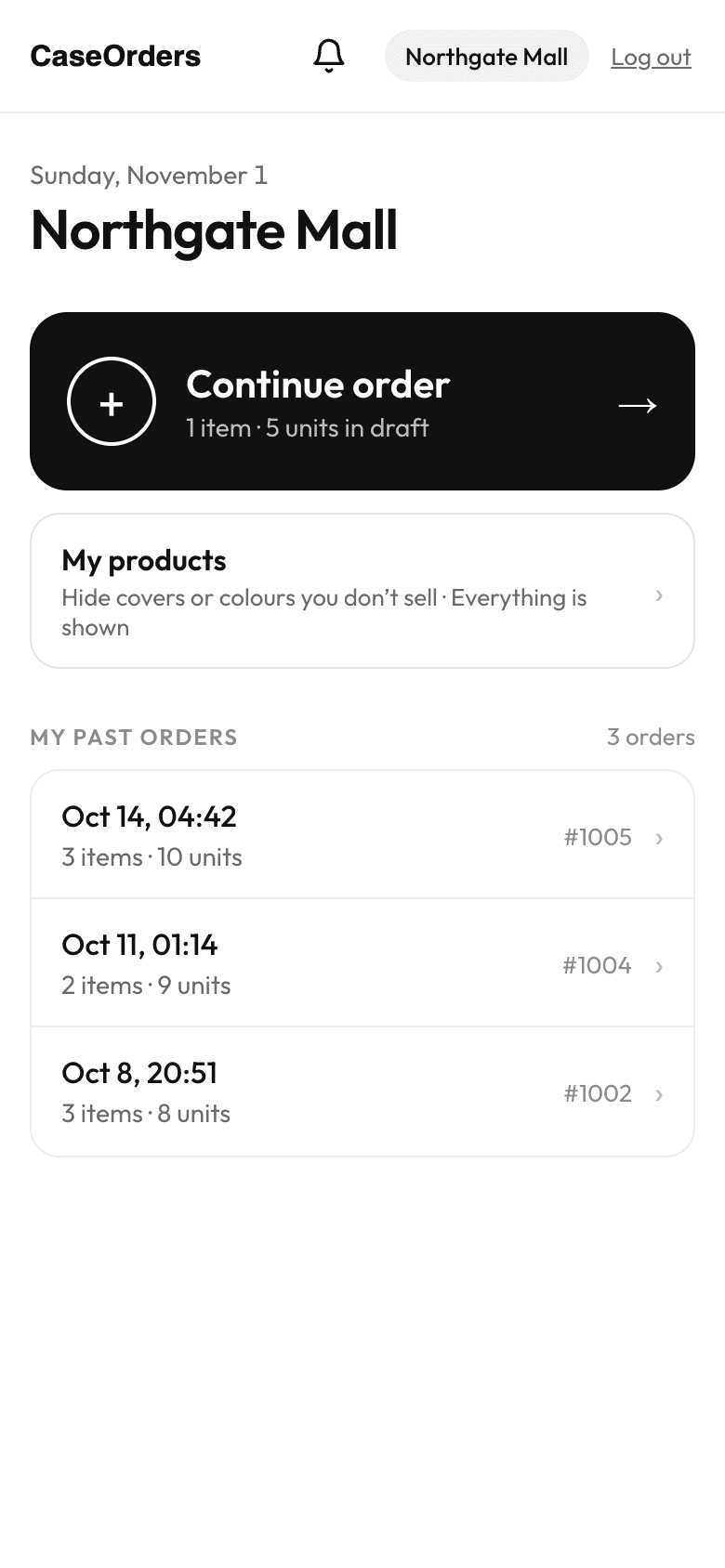
We understood the problem, then picked the platform that fits. We built a custom ordering app with two sides. Stores order from a phone app that installs on the home screen. The buyer runs everything from a desktop view.
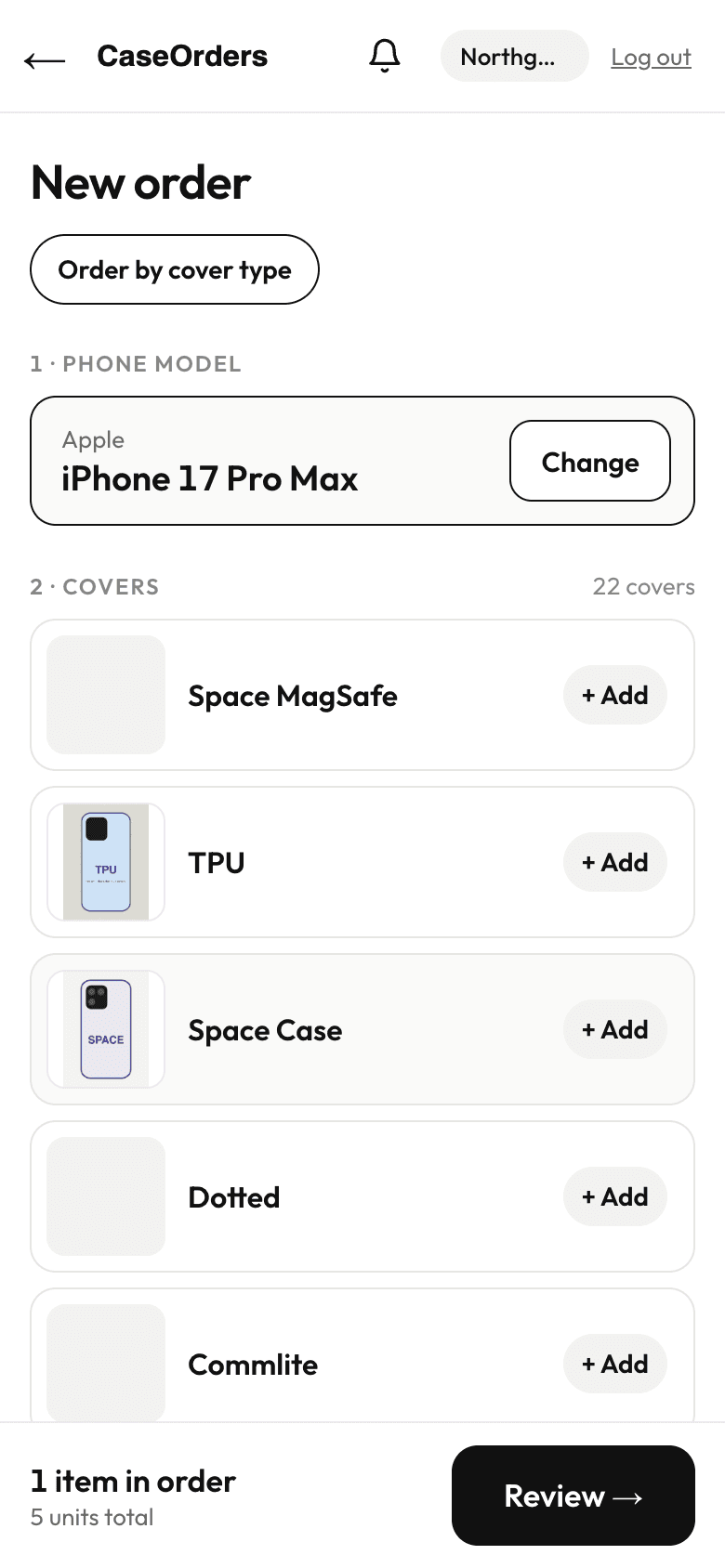
- Order from the real catalog. A store picks a phone model, then sees only the covers and colours that fit it. Search understands shortcuts like "16PM" or "S25U". A cover that isn't listed can still be typed in.
- Order by phone or by cover. Stores can start from a phone and add covers, or start from a cover and tick the phones that need it.
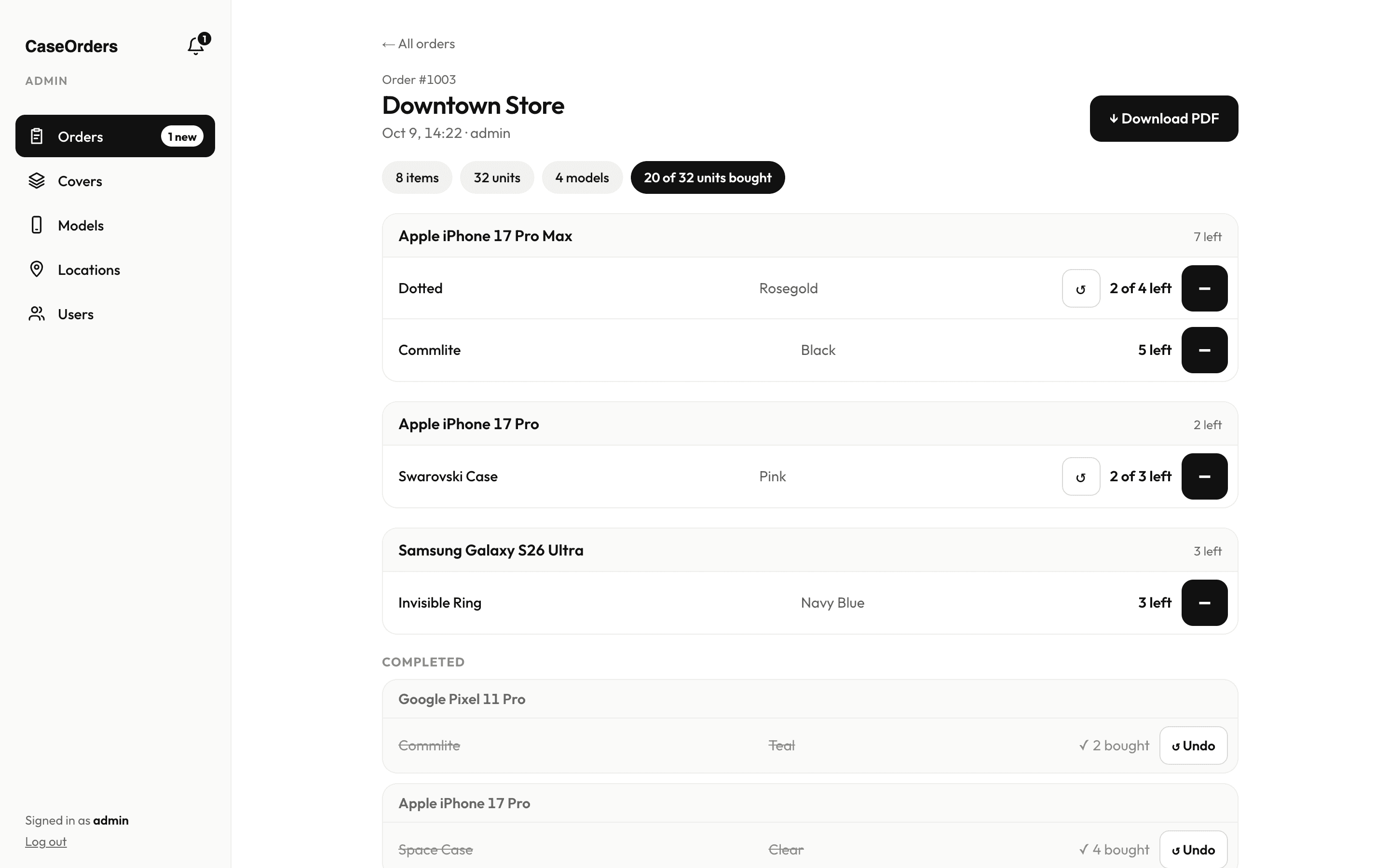
- A buying checklist for the buyer. Every order shows what's left to buy. One tap marks a unit as bought, and finished lines move to a Completed section.
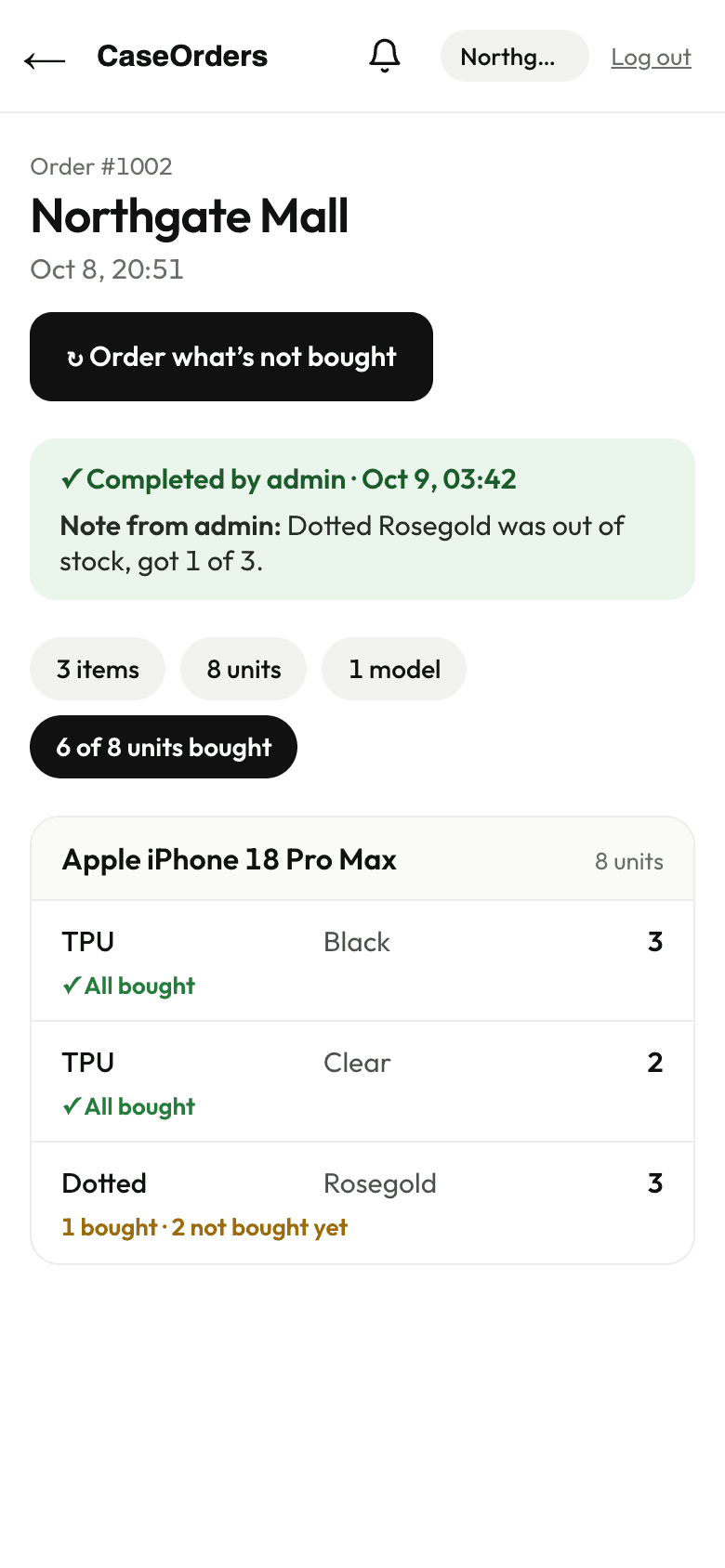
- Live progress for stores. Each line shows "All bought", "1 bought, 2 not bought yet" or "Not bought yet". When the order is done, the store gets a notice and the buyer's note.
- Re-order what's missing in one tap. "Order what's not bought" adds only the units that didn't arrive.
- Full control for the buyer. The buyer manages covers, colours, cover photos, phone models, locations and store logins, and can download any order as a PDF.
Before
Stores sent stock requests as chat messages and the buyer tracked them in spreadsheets.
After
Stores pick from the catalog on their phone, and the buyer works through one checklist per order that the store can follow live.
Results
- One catalog instead of free text. 85 phone models, 5 brands, 23 cover types and 1,381 model-and-cover pairs. Stores can only order what exists.
- One place for every order. All stores' orders land in one list, filtered by store and date, with a bell for new ones.
- No more "what's still missing?" messages. Stores see buying progress live, line by line.
- Missing stock re-ordered in one tap, instead of being typed out again.
- Baskets don't get lost. A store's draft is saved to its account, so it survives a refresh, a second phone or a lost signal.
Timeline & scope
3 days from first build to live, with further rounds of changes after launch. Delivered: store phone app (installs on the home screen), buyer desktop view, catalog of covers, colours and phone models, cover photos with zoom, order by phone or by cover, buying checklist, live progress for stores, order notes and completion, one-tap re-order, per-store product hiding, store and login management, and PDF export.
In their words
“He developed a great ordering system for my business that makes managing orders easier and more efficient. He understood my requirements, communicated well, and delivered quality work. I'm very happy with the results. Highly recommended!”
Screens show test data. Store names and orders are examples.
Related
More work like this.
Construction & field services · Internal Tools
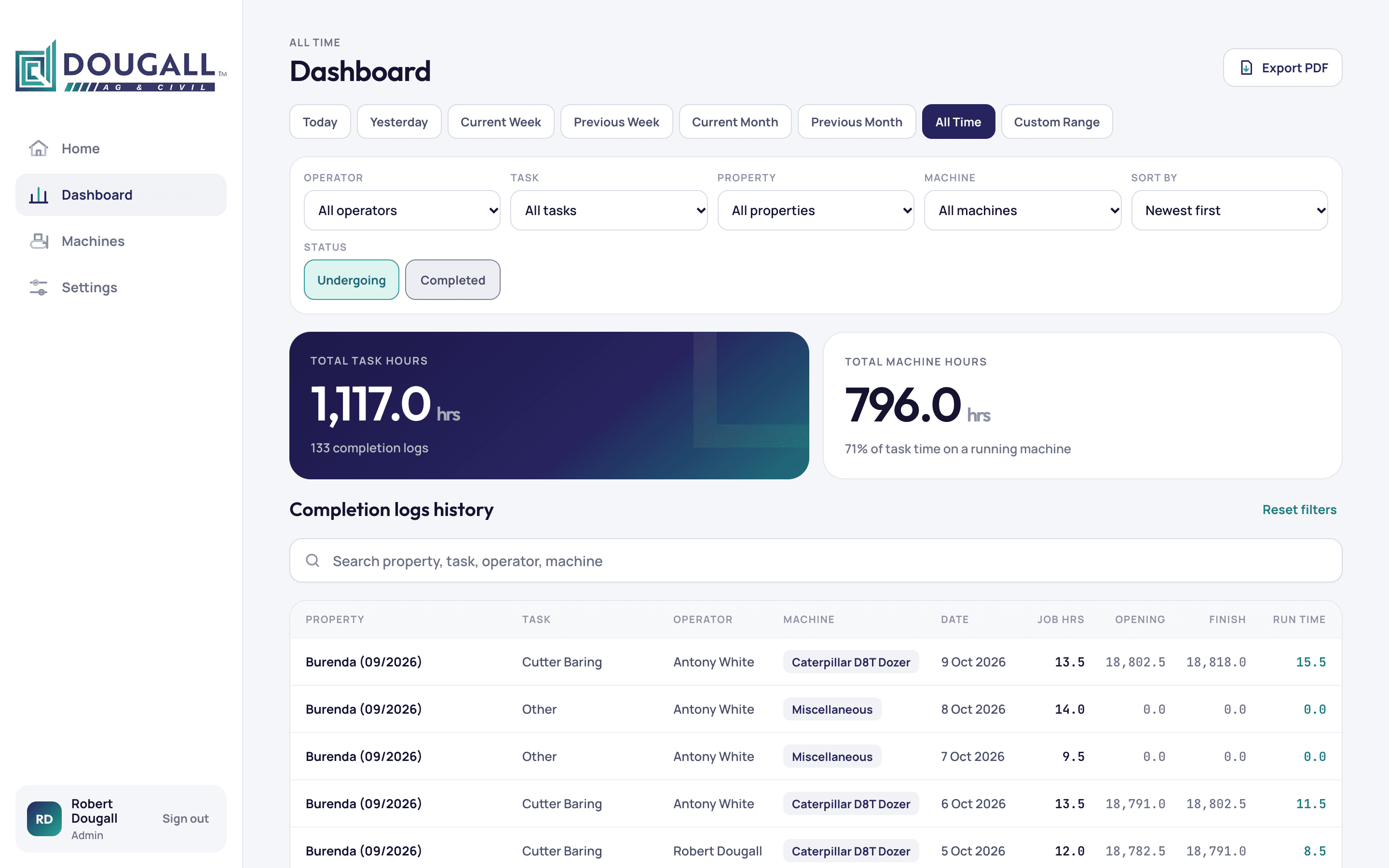
Every machine hour logged from the field. Every job's profit in one place.
An earthmoving contractor in Queensland now runs jobs, operator hours, machine hours and profit from one custom app, built in 16 days.
Construction & field services · Internal Tools · Portals
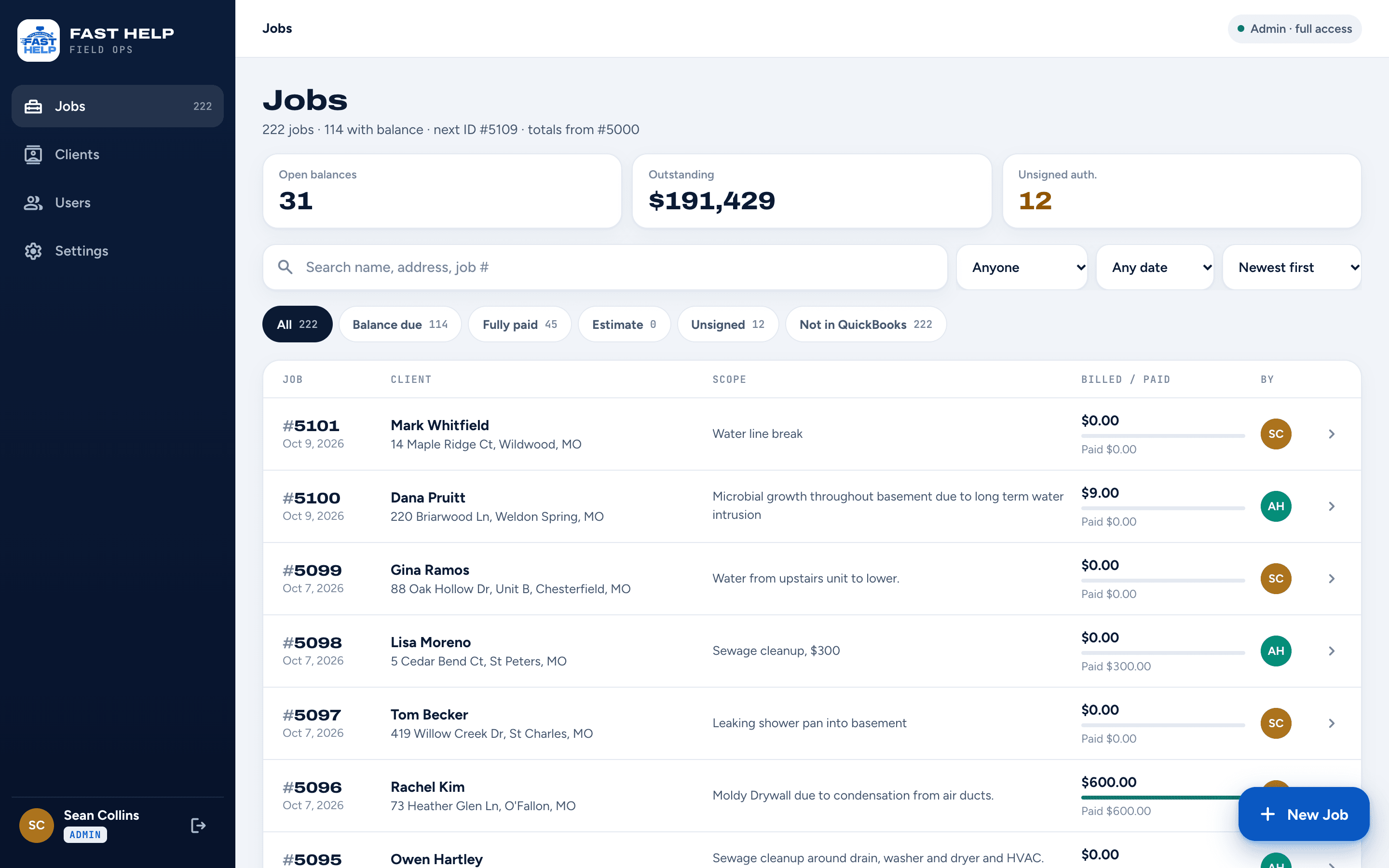
Every water job's photos, paperwork and payments. One app the crew carries all day.
A St. Louis water and fire restoration company now runs every job from one custom app, from the first photo to the signed authorization to the invoice. It was built and live in 21 days.
Construction & field services · Portals · Automation
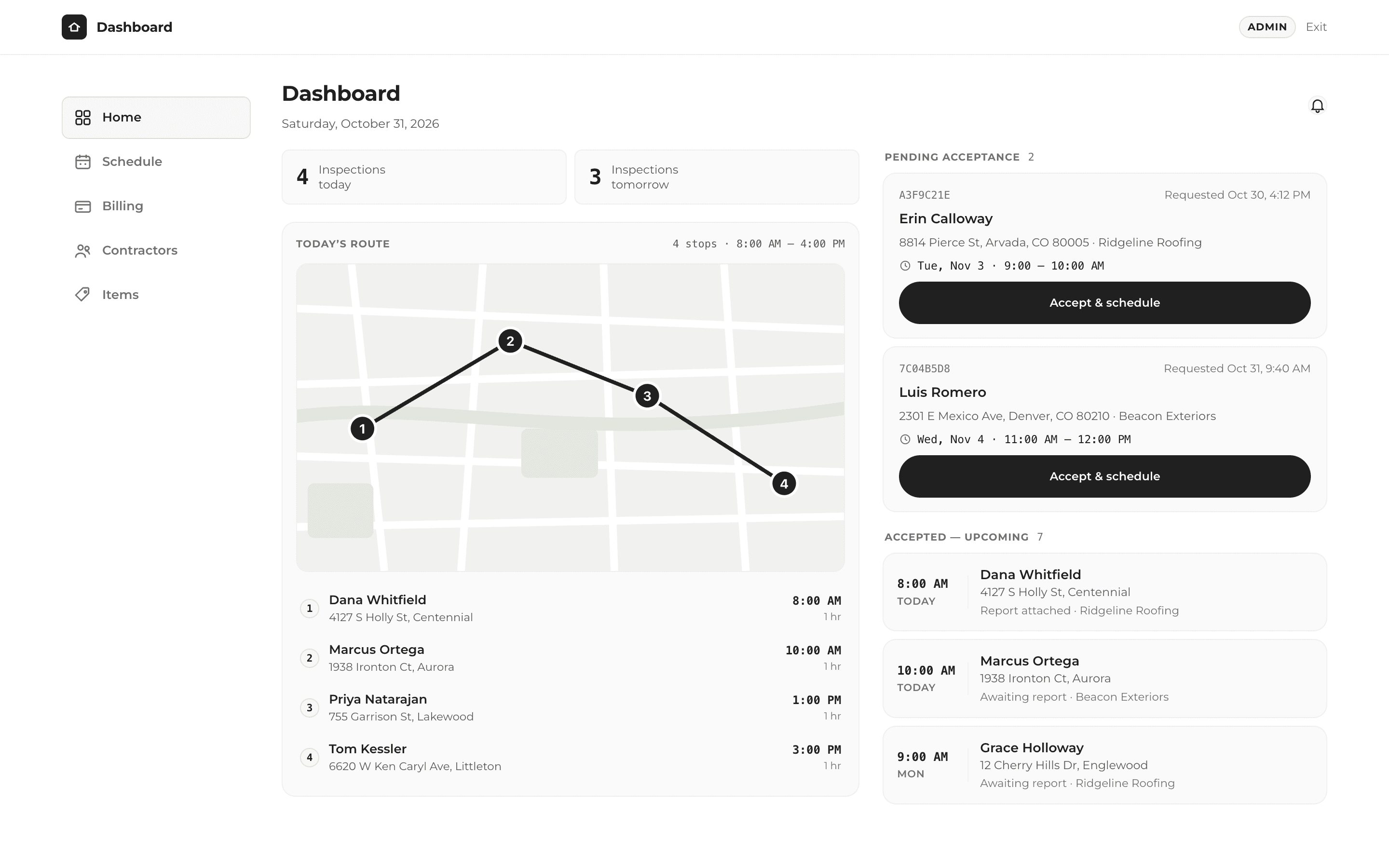
One click to finish the job, send the report and get paid.
A roof inspection company now takes bookings, runs its day and bills contractors from one custom app, built in 14 days.
Have a problem like this one?
A free 30-minute call. We'll look at how you work today and map out what could change.