
Case study · Construction & field services
Every water job's photos, paperwork and payments. One app the crew carries all day.
A St. Louis water and fire restoration company now runs every job from one custom app, from the first photo to the signed authorization to the invoice. It was built and live in 21 days.
16,536
Photos moved across, each checked against its original
223 jobs
With invoices, drying logs and insurance claims, all kept
21 days
From approved design to finished app, live on day 3
Client
Fast Help, a water and fire restoration company in St. Louis, Missouri, USA. Owner Sean Collins runs a team of about 10 people across admin, office and field crew. Their jobs are burst pipes, leaks, sewage clean-ups, mold and dry-outs in homes around St. Louis.
Problem
Restoration work is proof-heavy. Every job needs photos, a signed work authorization, drying logs, insurance details and an invoice. Insurers want all of it.
By October 2026 the business had 223 jobs and 16,536 photos sitting in an earlier app. Sean had already chosen a custom app over off-the-shelf photo tools. In his words: "I want the ability to customize things I want, not rely on what others [think] want."
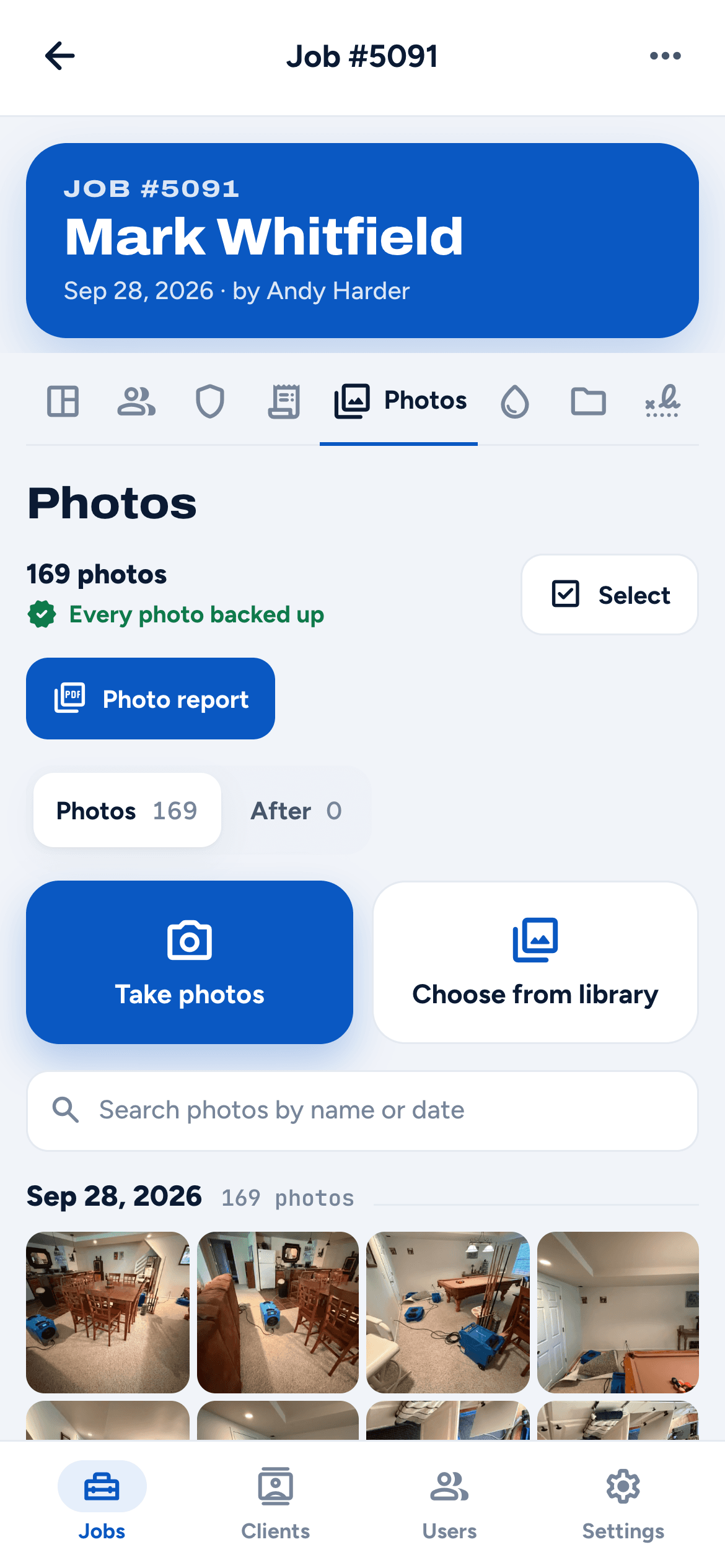
- Photos were the heaviest part. One job alone had 385 photos (738 MB). Big photo reports were too large to email.
- Paperwork was spread out. Signatures, dry logs, insurance claims and invoices each needed their own step.
- Records had drifted. Some jobs had blank or duplicate job numbers.
- Costs were climbing. Keeping the photos where they were would have cost about $89 to $99 a month, against $25 a month now. (estimated)
What we built
We understood the problem, then picked the platform that fits. We built a custom field app the business owns, moved every old record across, and put it on their own web address. It installs on the phone home screen and works just as well on a computer in the office.
- Photos that never get lost. The crew takes photos on site. They upload in the background, retry on bad signal, and carry on after the phone goes offline. "Before" and "After" photos stay apart.
- Photo reports in one tap. The report builds itself and lands in the office inbox, split into parts small enough to email, even for 385-photo jobs.
- Signatures on the spot or by text. The client signs on the tech's phone, or gets a secure link by text or email that works for 72 hours.
- Everything about a job in one place. Contacts, insurance claims, drying logs, documents, letters and invoices, each on its own tab.
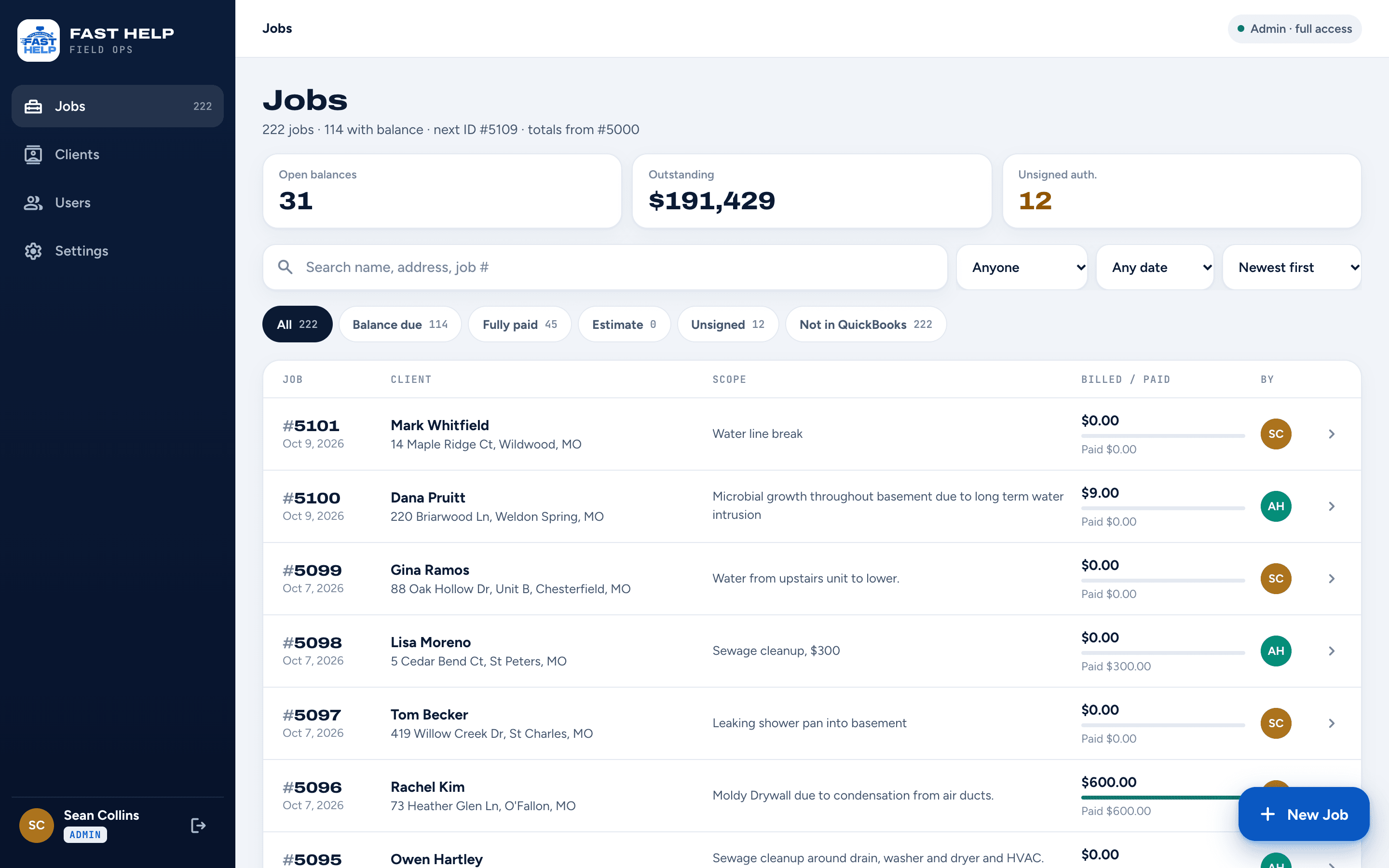
- Money at a glance. Open balances, outstanding totals and unsigned authorizations sit on the home screen. Invoices go to their accounting software.
- A portal for clients. Homeowners sign in with their email to review and sign, see their invoice and shared documents.
Before
Jobs, photos and paperwork lived in an earlier app the business had outgrown, with photo reports too big to send and costs rising.
After
The crew photographs, logs and gets signatures from their phone, and the office sees every job, document and balance in one place.
Results
- Every record moved across. 223 jobs, 16,536 photos, 2,422 invoice lines, 607 drying log entries and 103 insurance claims. Every photo was checked against its original.
- Messy records fixed. Blank and duplicate job numbers were renumbered cleanly during the move.
- Large photo reports now send themselves. A 385-photo job arrives by email in about 6 parts, built in the background so the crew can close the app.
- Lower running cost. Photo storage on a $25 monthly plan instead of an estimated $89 to $99. (estimated)
- Daily use. Sean says he uses his custom app "20 times a day".
Timeline & scope
21 days, live with all the real data on day 3. Delivered: jobs, photos with Before/After, photo reports, work authorizations with e-signature, drying logs, insurance claims, invoices and payments, letters, client portal, admin and staff roles, job backups, all old records moved across, and phone and desktop layouts.
In their words
“Every time I use the app I am happy that I pulled the trigger and actually got it made.”
Screens show the real app. Client names and addresses have been replaced with sample ones.
Related
More work like this.
Construction & field services · Internal Tools
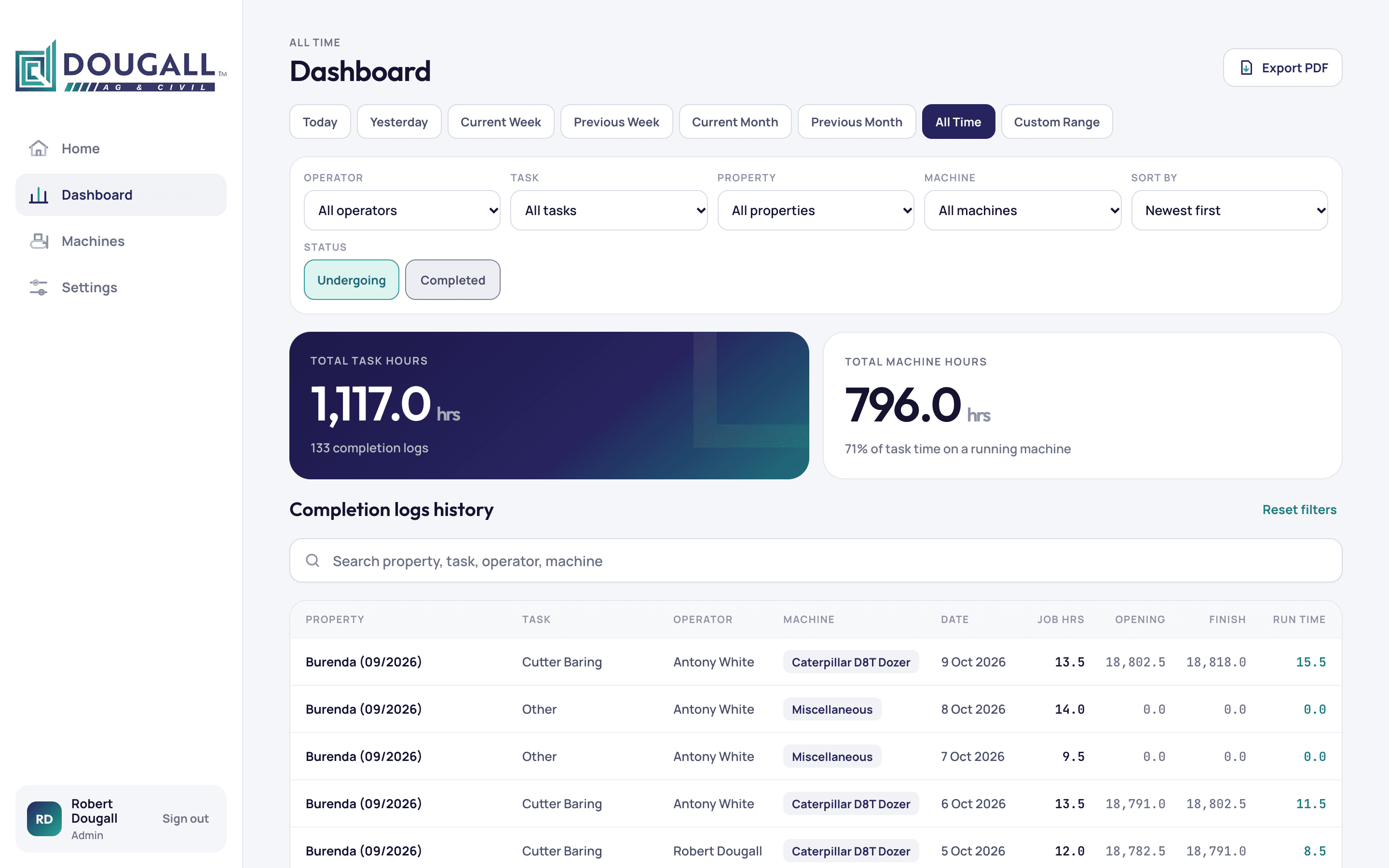
Every machine hour logged from the field. Every job's profit in one place.
An earthmoving contractor in Queensland now runs jobs, operator hours, machine hours and profit from one custom app, built in 16 days.
Construction & field services · Portals · Automation
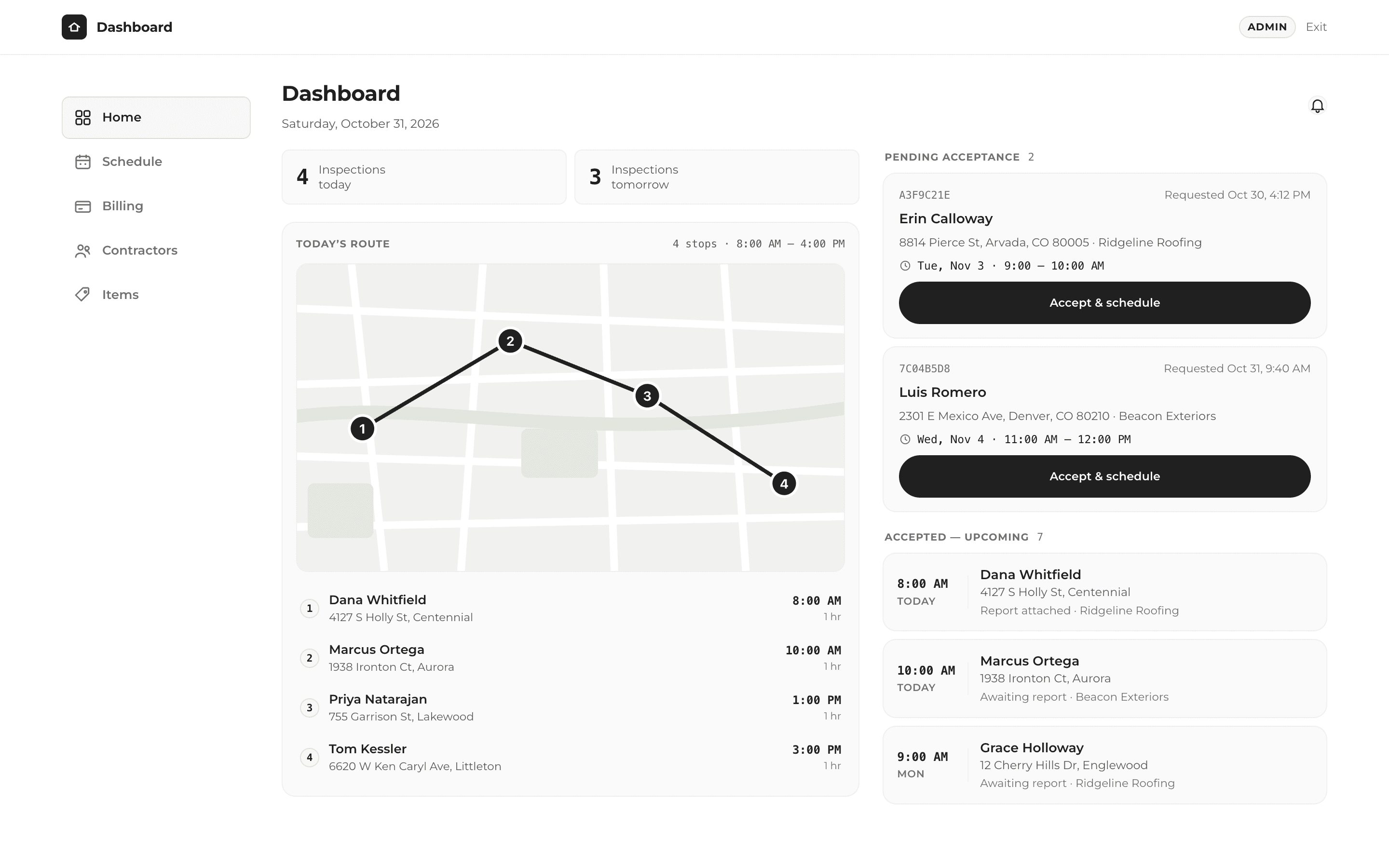
One click to finish the job, send the report and get paid.
A roof inspection company now takes bookings, runs its day and bills contractors from one custom app, built in 14 days.
Healthcare admin · Internal Tools
Two years of clinic bills. One clear view of what is owed.
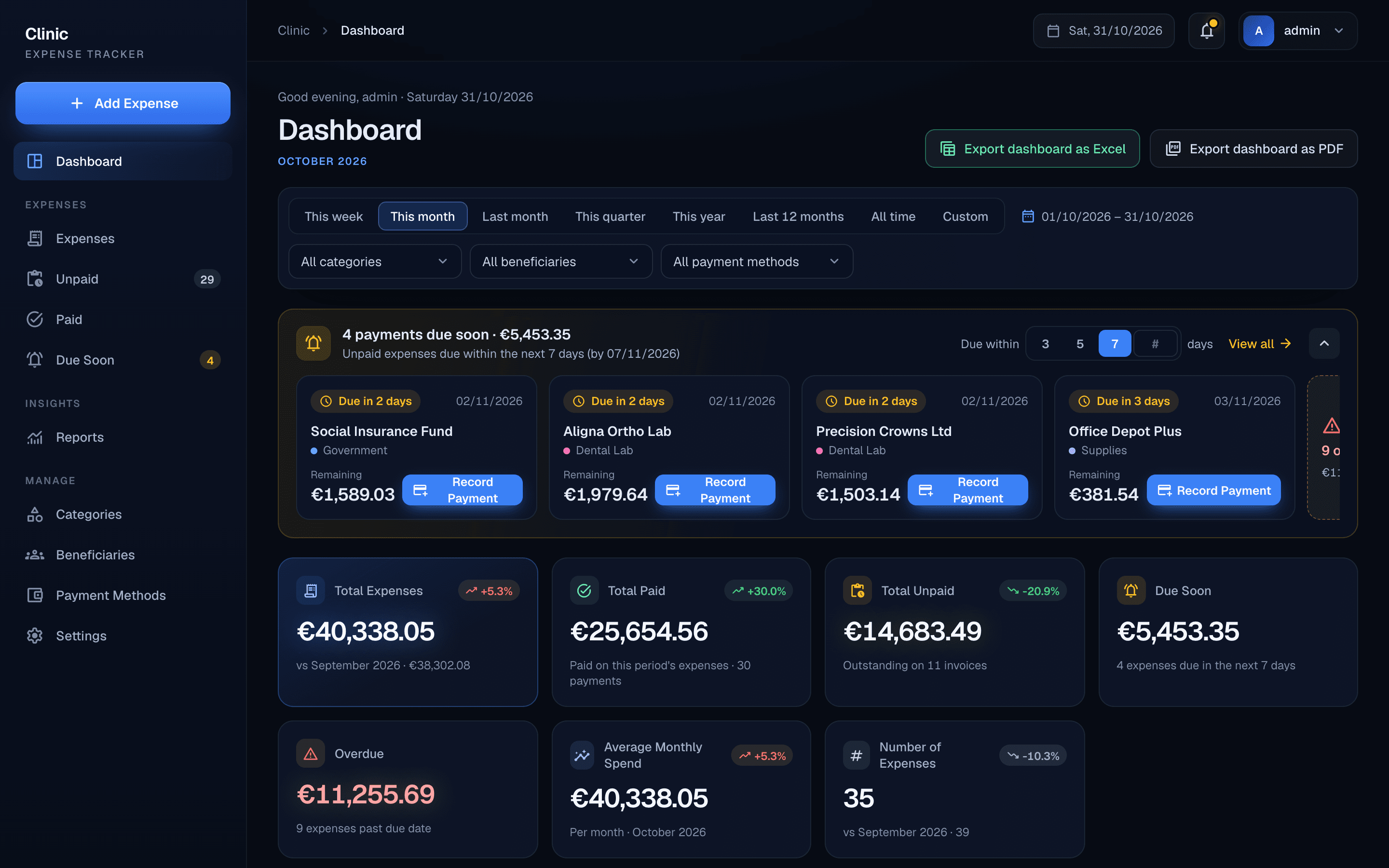
A dental clinic in Cyprus now tracks every supplier invoice, part payment and overdue bill in one custom app, built in about 7 days.
Have a problem like this one?
A free 30-minute call. We'll look at how you work today and map out what could change.