
Case study · Construction & field services
Every machine hour logged from the field. Every job's profit in one place.
An earthmoving contractor in Queensland now runs jobs, operator hours, machine hours and profit from one custom app, built in 16 days.
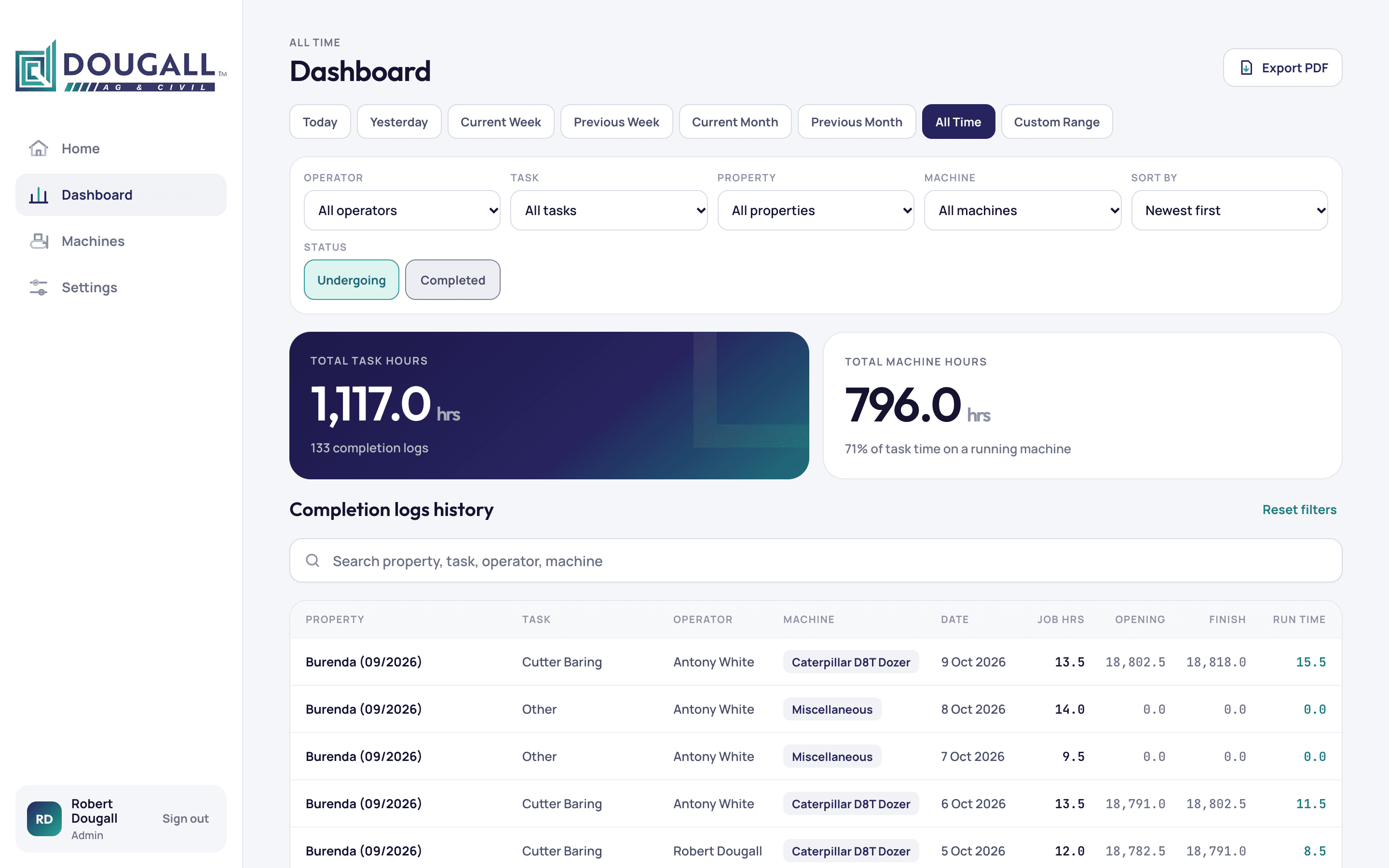
1,117 hrs
Operator hours tracked and filterable in one dashboard
133
Daily hour logs moved across, none lost
16 days
From design to finished app
Client
Dougall AG & Civil, an earthmoving and agricultural contractor in Queensland, Australia. The owner runs the jobs and works alongside one operator. Their work is dozing, grading, ploughing and clearing on farm properties.
Problem
Machine hours are what they bill on. In the owner's words: "my billable hours are machine hours." Every day's hour-meter reading has to be right, on the right job and the right machine.
They had kept their records in an earlier app since June. By October it held 26 jobs and 133 daily hour logs. The business had outgrown it.
- Hours were hard to break down. The owner wanted "a list of the hours that I can break down into like by job or by machine or by week by date."
- Profit per job was not clear. Wages, machine income and expenses had to be pieced together to see if a job made money.
- Money had to stay private. Operators need to see the work, never the dollars.
- Machine care sat apart. Services, costs and photos needed to live with each machine's hours.
What we built
We understood the problem, then picked the platform that fits. We built a custom app the business owns, with every existing record moved across. It works on a phone in the paddock and on a computer in the office.
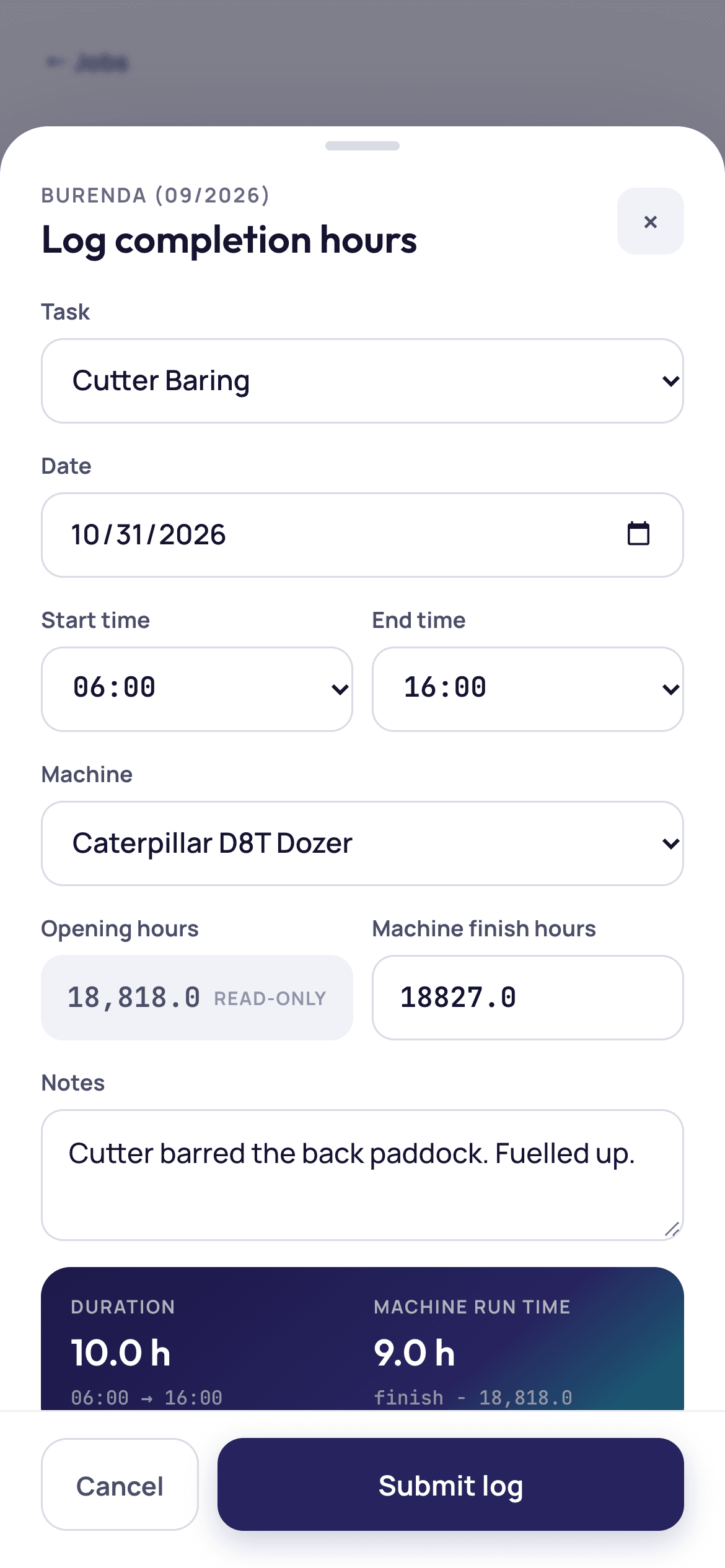
- Daily hours log from the phone. The operator picks the task, start and end time, and the machine, then types the finish hours. The app works out hours worked and machine run time on the spot.
- Machine readings carry over. Each day's finish hours become the next day's opening hours. Each machine has its own service log with photos and costs.
- Profit per job. Machine income plus other income, minus wages and expenses, gives one profit figure for every job. Only the owner sees it.
- A dashboard that answers questions. Pick any date range, then filter by operator, task, property or machine. Export it as a PDF.
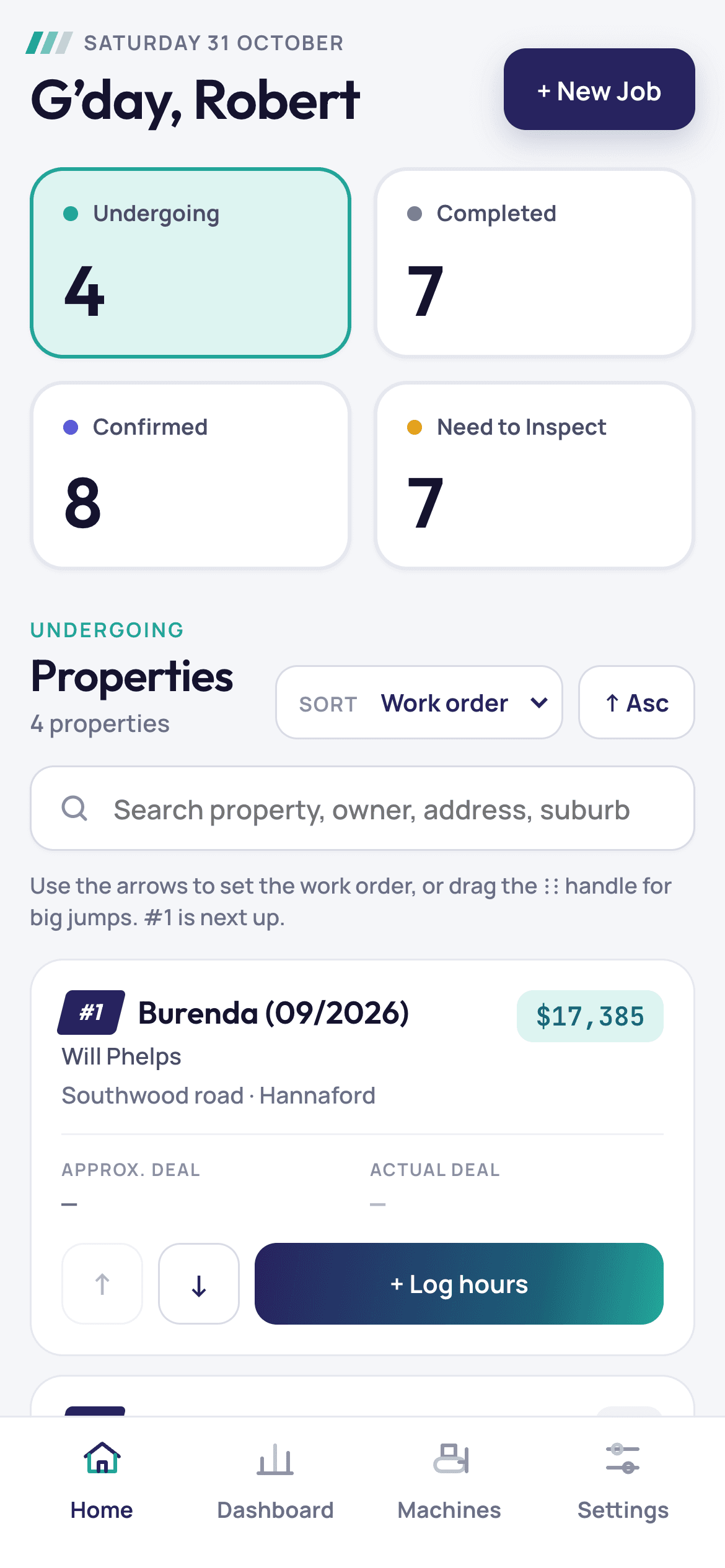
- Work order at a glance. Jobs sit by status, and the owner sets which one is next with a tap.
Before
Hours sat in an older app that could not break them down by job, machine or date, or show profit per job.
After
The operator logs each day from their phone, and the owner sees hours and profit by job, machine or date on one screen.
Results
- All records moved across. 26 jobs, 91 job tasks, 133 daily hour logs, 8 machines and 6 service records.
- 1,117 operator hours and 796 machine hours in one place. Everything from 8 June to 9 October 2026, filterable in seconds.
- The app does the hours maths. Hours worked and machine run time are no longer worked out by hand.
Timeline & scope
16 days. Delivered: jobs and tasks, daily hour logs, machines and service logs, income and expenses, profit per job, notes with attachments, a filterable dashboard, PDF reports, owner and operator roles, daily backups, and phone and desktop layouts.
In their words
“Great. Yep, that's awesome.”
Screens show the real app with the client's own records.
Related
More work like this.
Construction & field services · Internal Tools · Portals
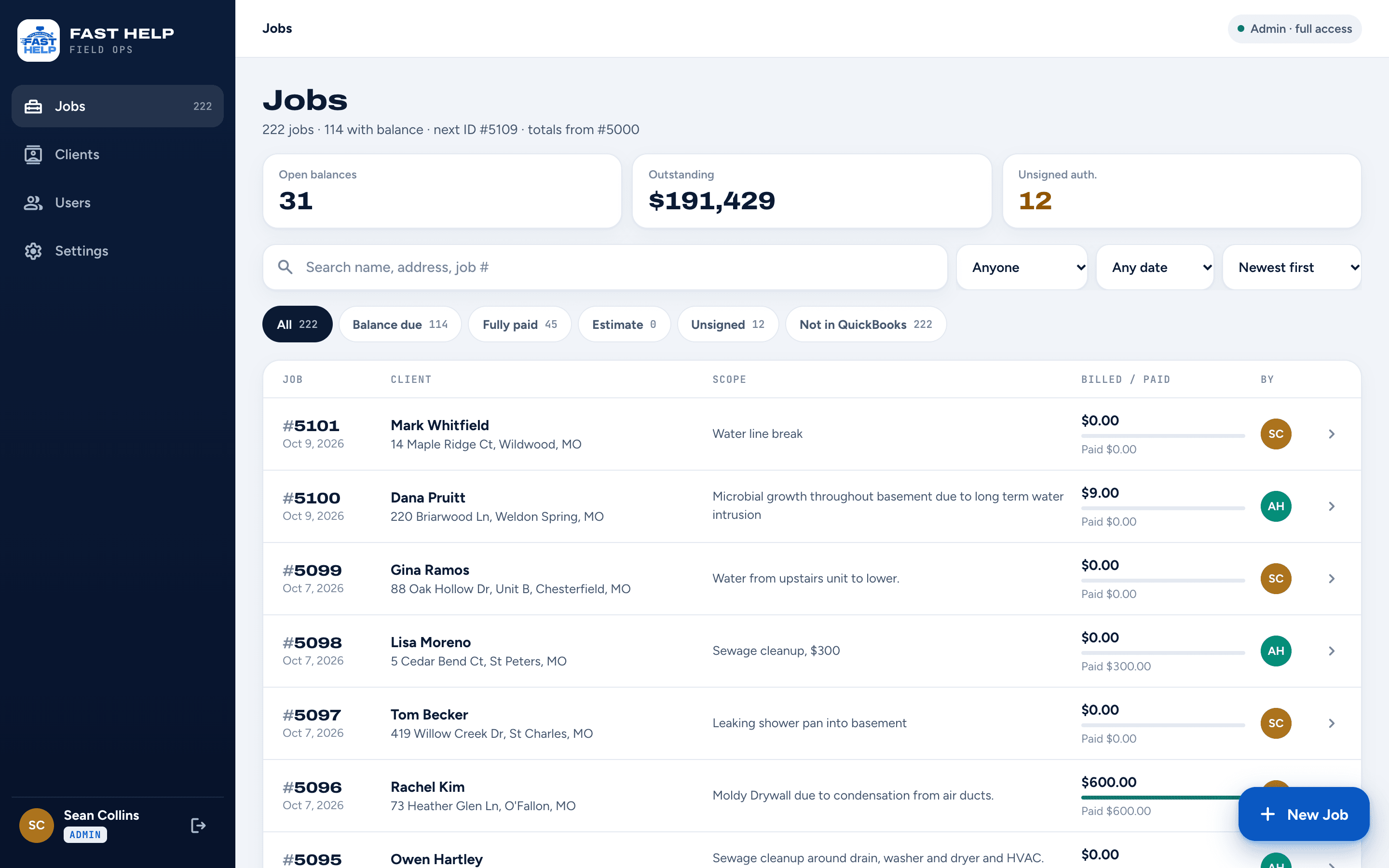
Every water job's photos, paperwork and payments. One app the crew carries all day.
A St. Louis water and fire restoration company now runs every job from one custom app, from the first photo to the signed authorization to the invoice. It was built and live in 21 days.
Construction & field services · Portals · Automation
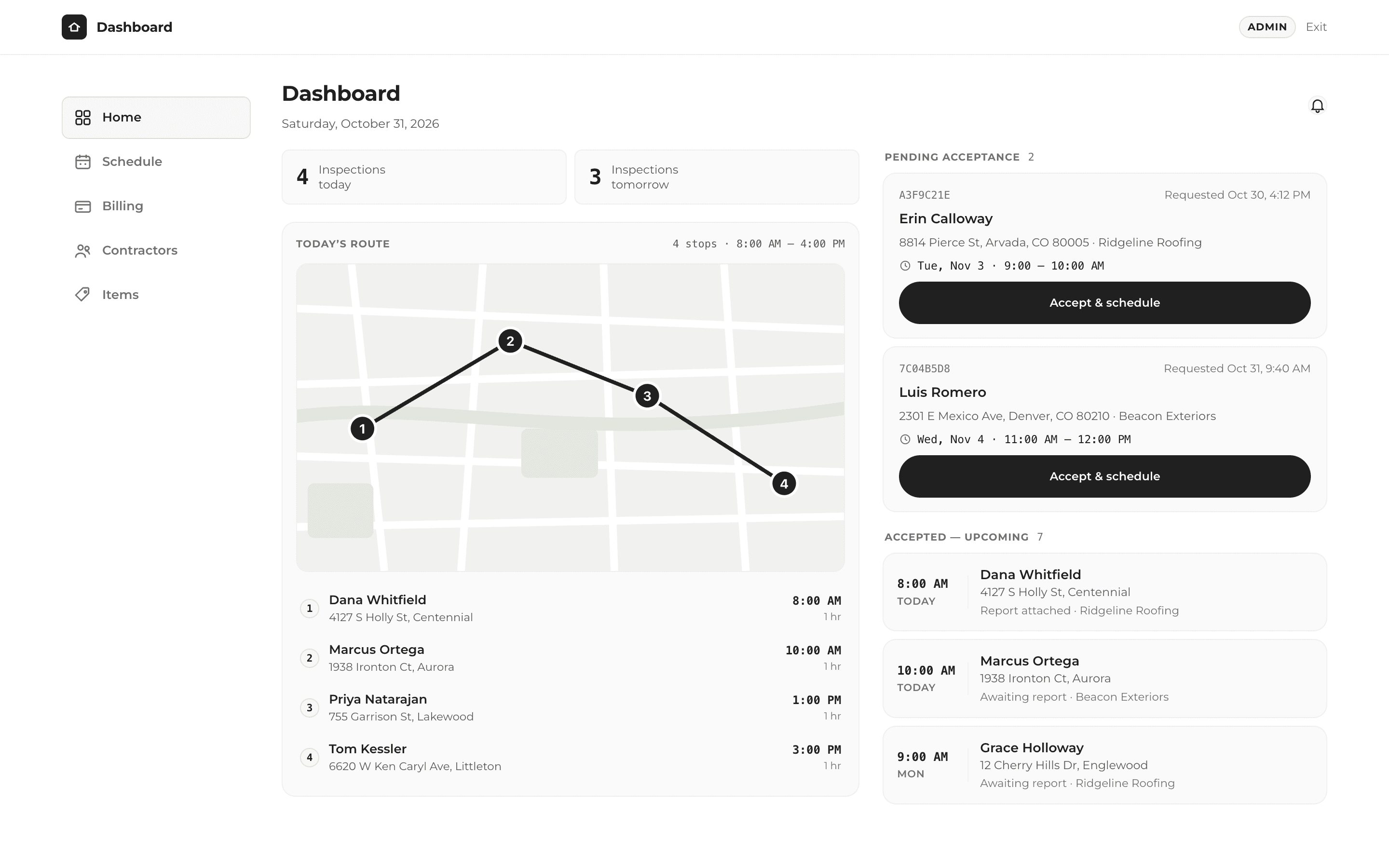
One click to finish the job, send the report and get paid.
A roof inspection company now takes bookings, runs its day and bills contractors from one custom app, built in 14 days.
Healthcare admin · Internal Tools
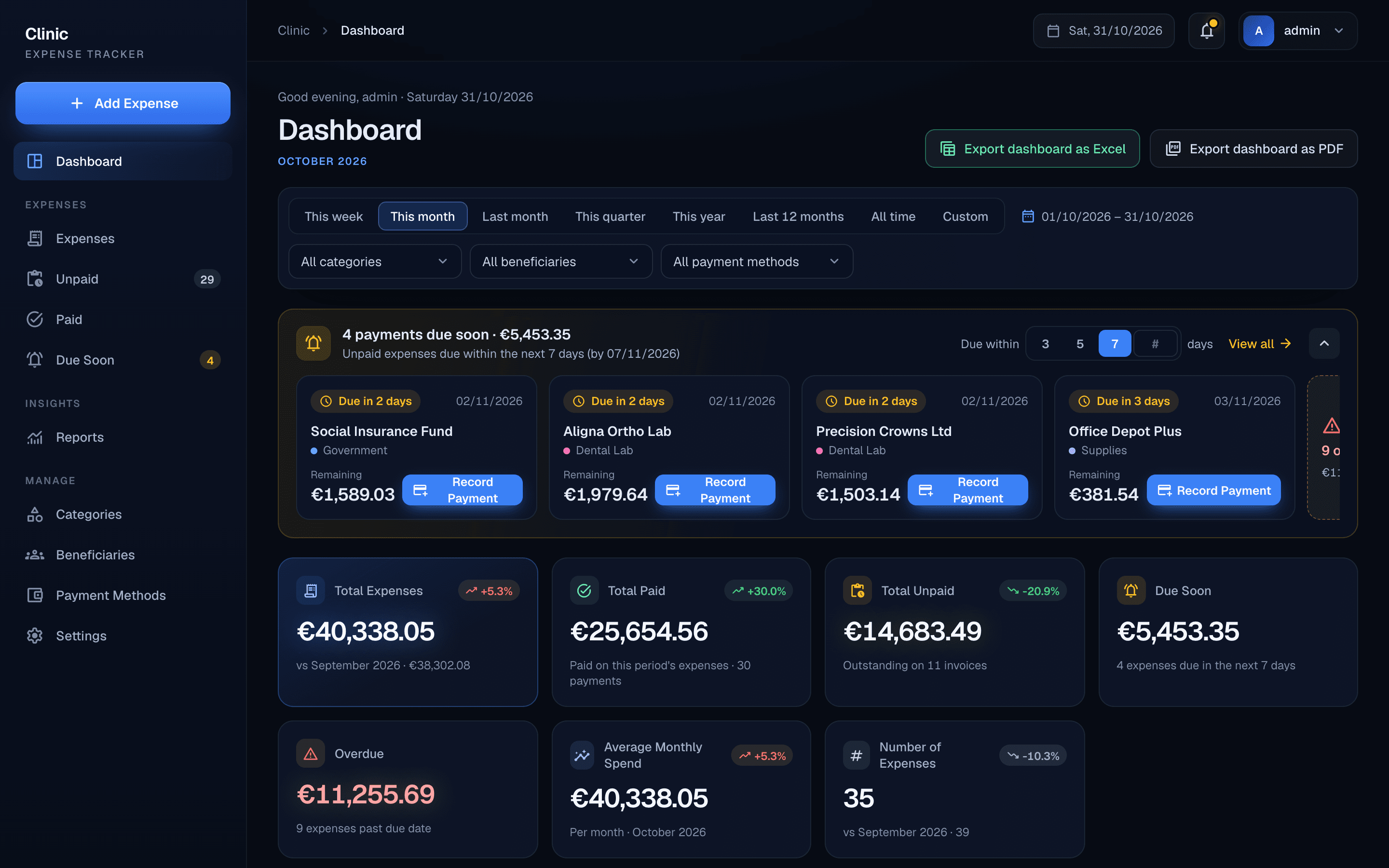
Two years of clinic bills. One clear view of what is owed.
A dental clinic in Cyprus now tracks every supplier invoice, part payment and overdue bill in one custom app, built in about 7 days.
Have a problem like this one?
A free 30-minute call. We'll look at how you work today and map out what could change.