
Case study · Healthcare admin
Every office closed properly. Every supply closet counted. One screen to see it all.
A multi-office dermatology practice replaced guesswork with one simple app: staff tick off closing duties and count supplies on their phones, and management sees every office at a glance. First version live in 7 days.
25+ offices
On one checklist from day one
73 supplies
Counted at every office, every week
7 days
First version, from first call to handover
Client
A dermatology practice in Florida with 25+ offices and around 50 nurses and clinic staff. One manager oversees every office.
Problem
Each office has to be closed down properly every night: biopsies logged, instruments in the autoclave, rooms and bathrooms cleaned. Management had no way to know if it happened.
- No proof the work was done. In the manager's words: "I would like to go in, open [an office] and see that yesterday the whole thing was completed."
- Logins were a non-starter. "I'm not gonna do iPads or anything like that. I don't want to give everybody an email."
- Supplies were being wasted. "Offices this week found a lot of expired product because they ordered a ton of something. They're hoarding supplies, and we're over-ordering."
- The tool they had cost money on every change. Their previous app builder charged monthly, per update.
What we built
We understood the problem, then picked the platform that fits. We built one custom app, on one link, that staff open on any phone. No logins, no devices to buy, no monthly fees.
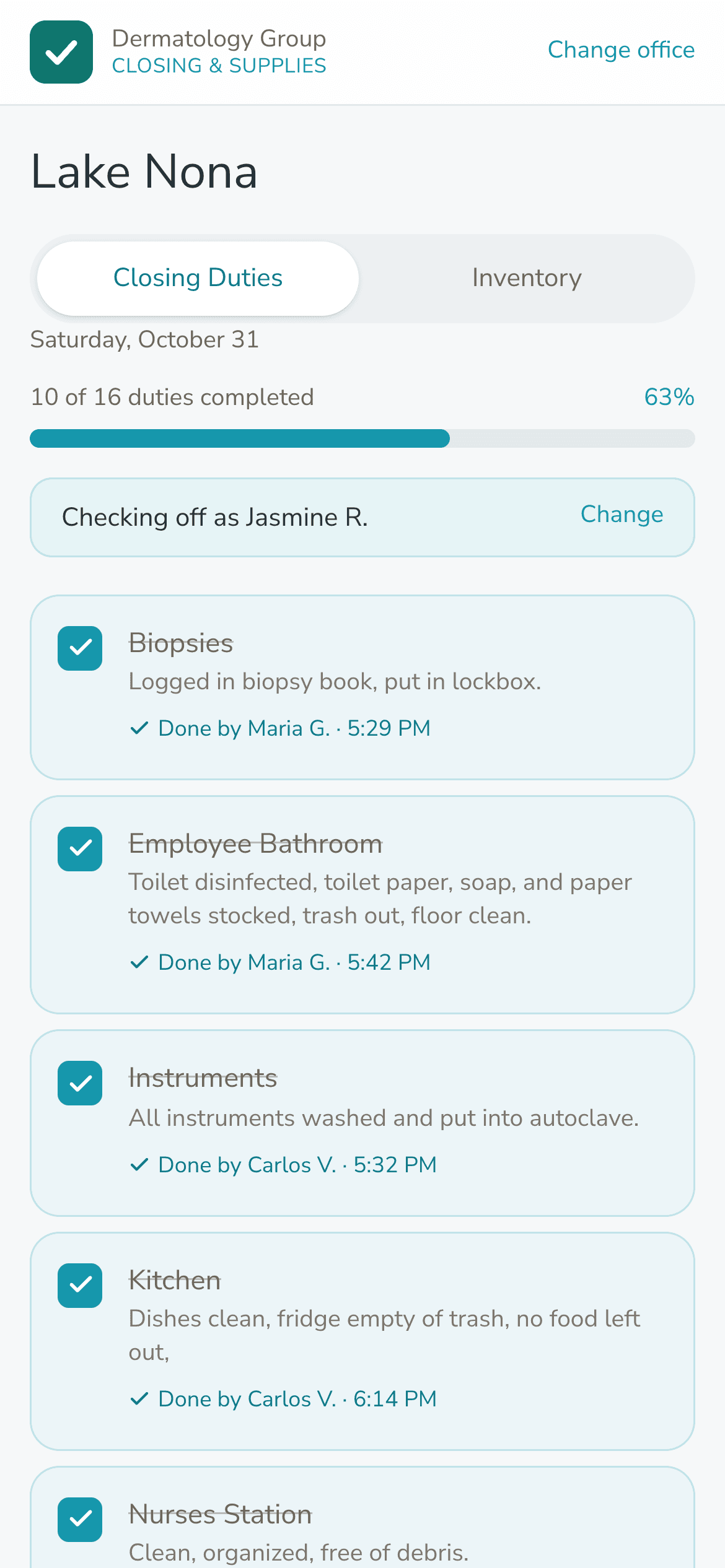
- Closing checklist on any phone. Staff pick their office, type their name once and tick off duties. Each tick records who did it and when.
- Live between phones. Two people closing the same office see each other's ticks instantly, so nothing gets done twice or missed.
- Fresh list every morning. The checklist resets itself at 6 AM. History is kept forever.
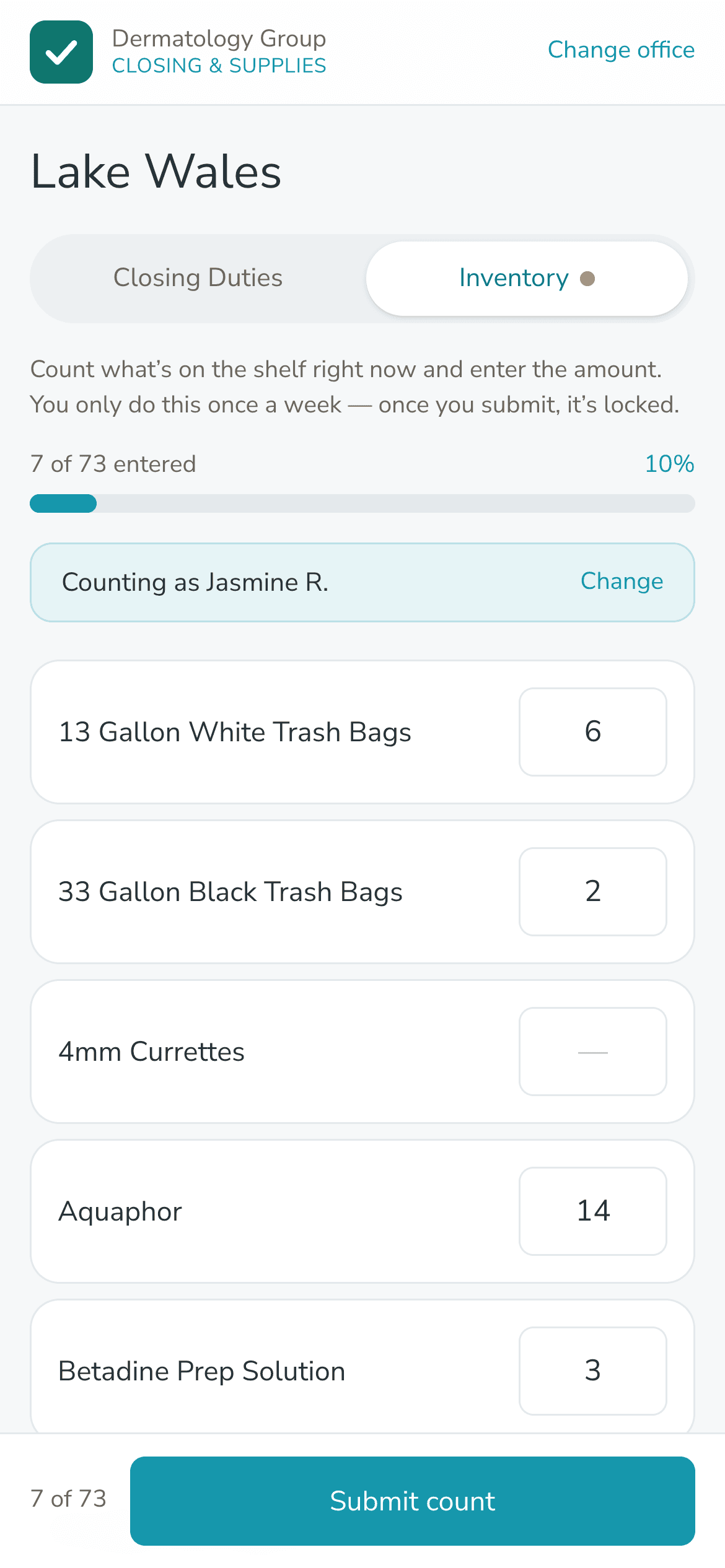
- Weekly supply count. Once a week, staff count what is on the shelf. Boxes start blank every time, so someone has to actually open the closet.
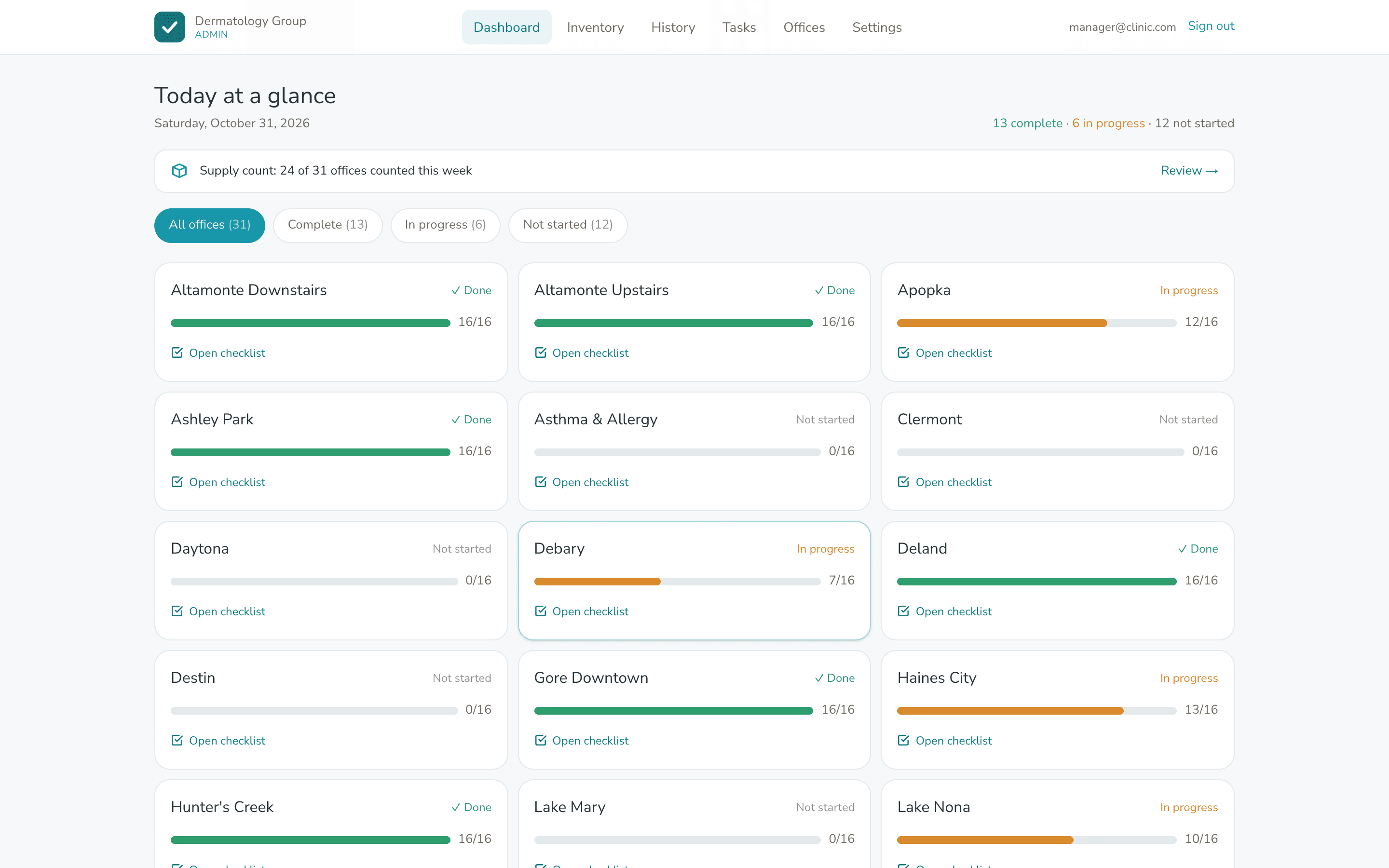
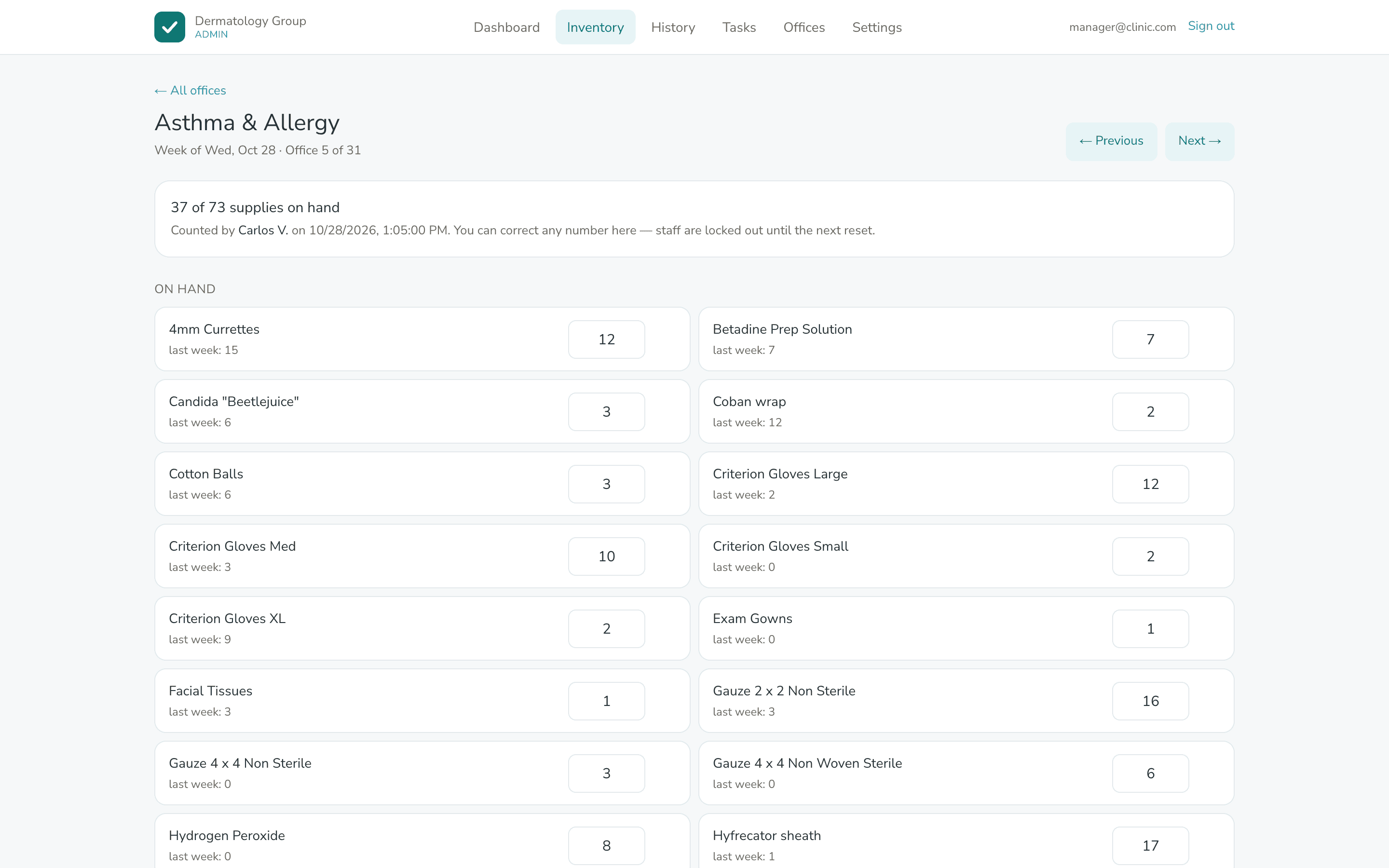
- Manager view. Every office's progress today, who has and hasn't counted supplies, and this week's numbers beside last week's. Export to a spreadsheet in one click.
- One edit, every office. Add a duty or a supply once and send it to all offices, or just a few.
Before
Closing duties ran on trust, and supply orders were approved without knowing what each office already had.
After
The manager opens one screen and sees which offices closed properly last night and exactly what each one has on hand before approving an order.
Results
- 25+ offices on one checklist from day one. 16 closing duties, each one signed with a name and a time.
- 73 supplies counted at every office, every week. That's over 1,800 numbers the manager can check in one place before an order goes out.
- No logins and no hardware. Staff use the phone in their pocket.
- No monthly software bill. The old subscription was cancelled at handover.
- It runs itself. Daily and weekly resets happen on their own. The first weekly reset fired on schedule.
Timeline & scope
7 days for the closing checklist, from first call to handover. The supply count was added a few weeks later in about 10 days, on the same link, so no posters had to be reprinted.
In their words
“Oh wow, this is so great. Thank you. This is great. And I can even export it.”
Screens show sample data. Staff names are made up.
Related
More work like this.
Construction & field services · Internal Tools
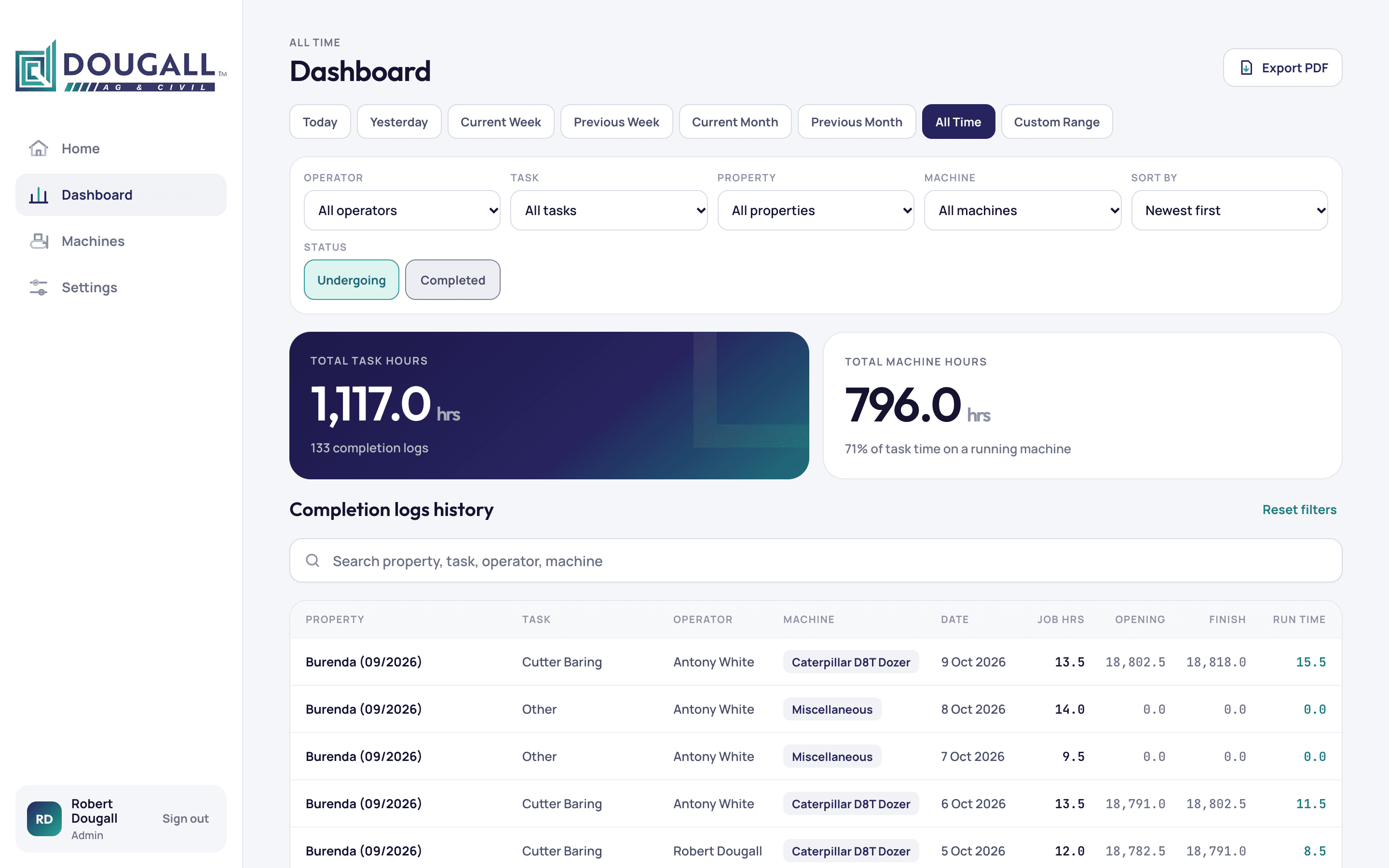
Every machine hour logged from the field. Every job's profit in one place.
An earthmoving contractor in Queensland now runs jobs, operator hours, machine hours and profit from one custom app, built in 16 days.
Construction & field services · Internal Tools · Portals
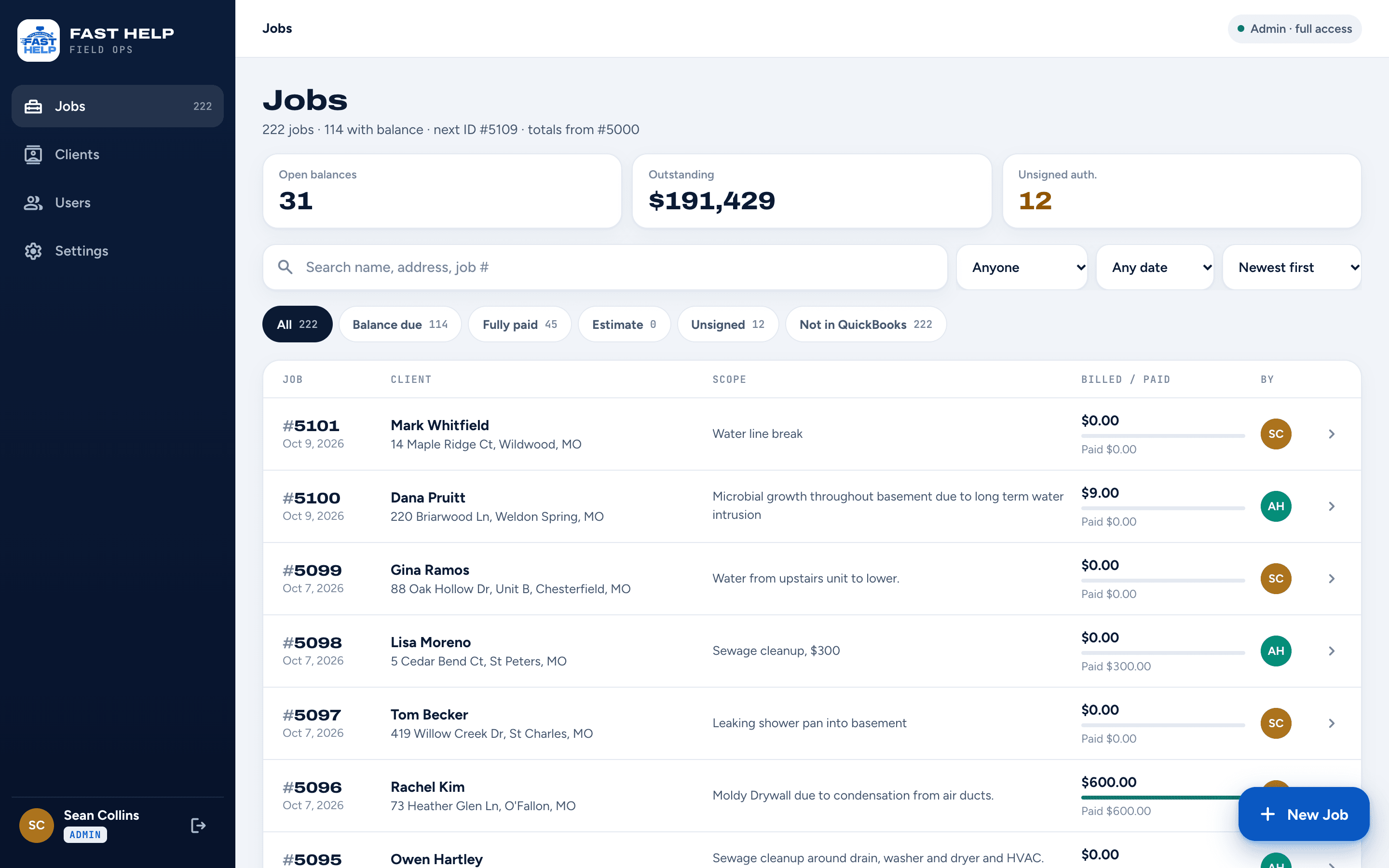
Every water job's photos, paperwork and payments. One app the crew carries all day.
A St. Louis water and fire restoration company now runs every job from one custom app, from the first photo to the signed authorization to the invoice. It was built and live in 21 days.
Construction & field services · Portals · Automation
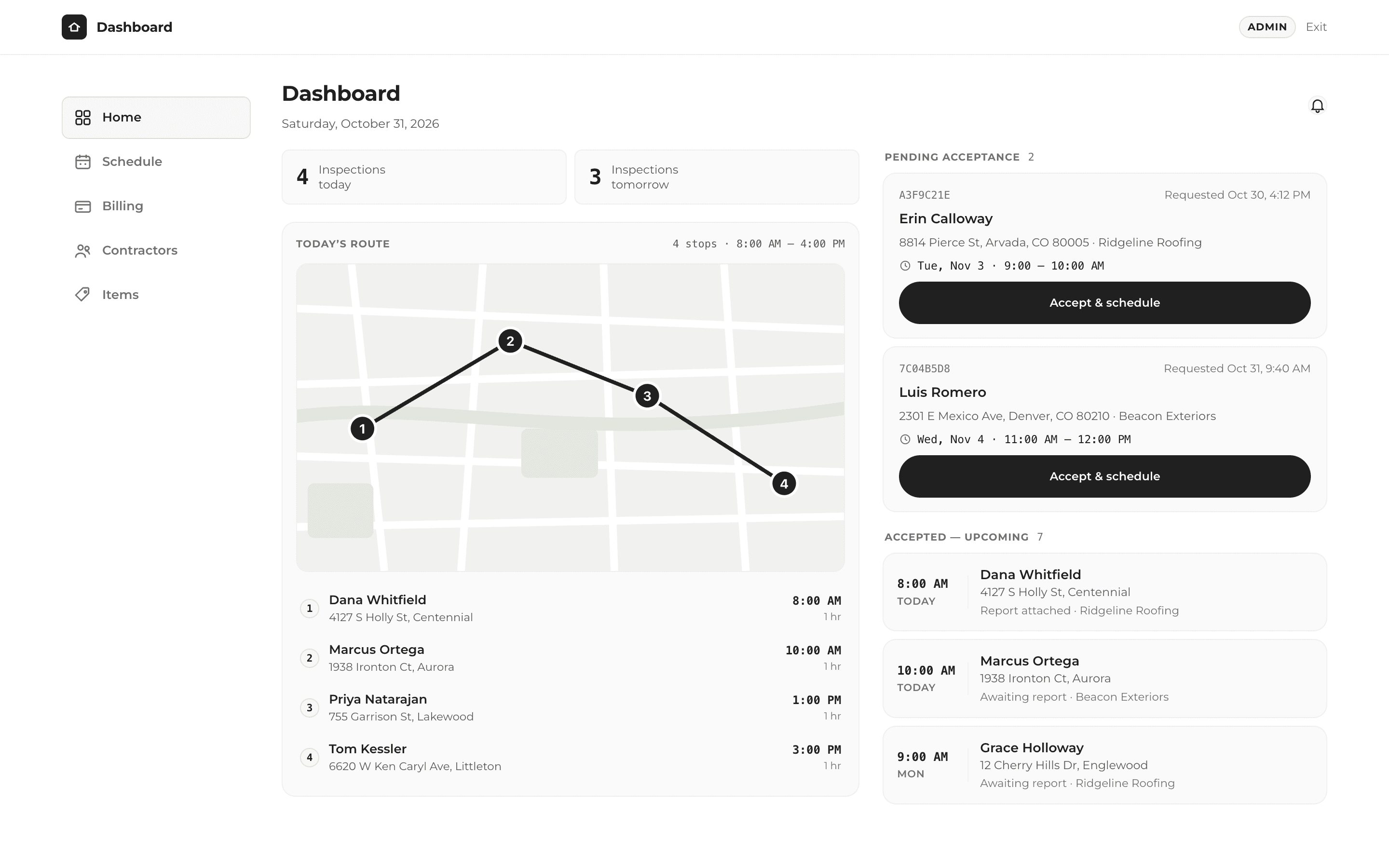
One click to finish the job, send the report and get paid.
A roof inspection company now takes bookings, runs its day and bills contractors from one custom app, built in 14 days.
Have a problem like this one?
A free 30-minute call. We'll look at how you work today and map out what could change.